

 Deutsch
 Español
 Français
 Português
How to install PhoneInfoga on Ubuntu and other Linux systems
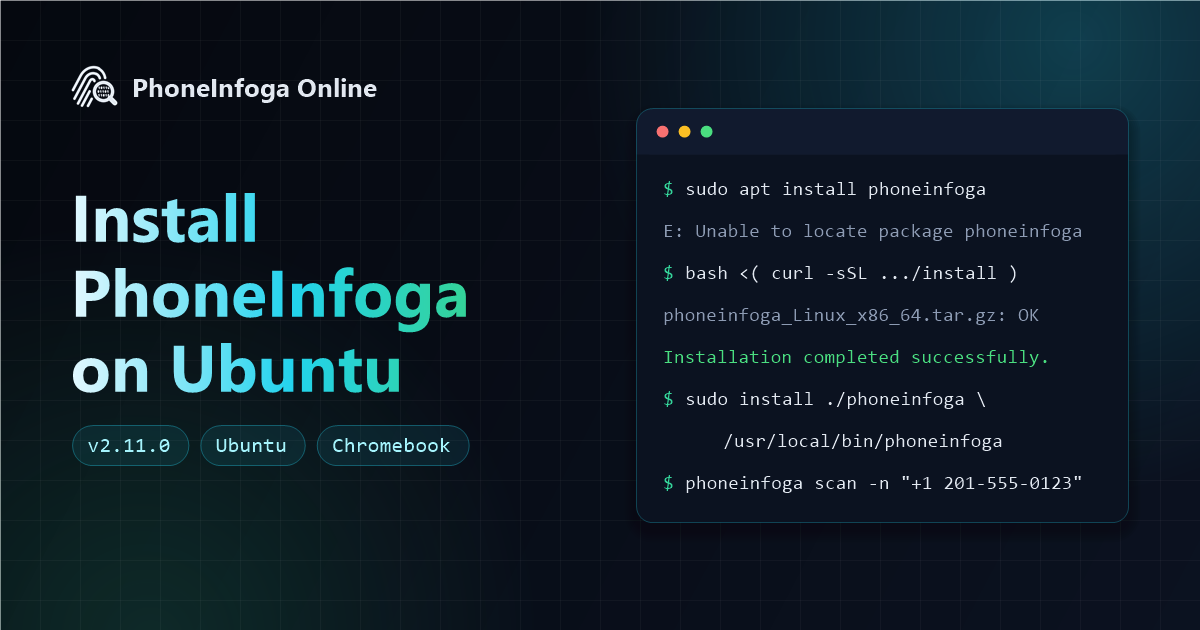
Ubuntu has no PhoneInfoga package, so sudo apt install phoneinfoga cannot work. You install the official release from GitHub instead, a single program that needs nothing else from your system. On a 64-bit PC, the official script downloads it and checks it in one command. On a Raspberry Pi or another ARM board, you download the matching archive yourself. These steps should work the same way on Debian and on the Linux of a Chromebook. Version 2.11.0, released on February 21, 2024, is still the latest. If you only need a report on one number, our online version needs no install.
Is PhoneInfoga in the Ubuntu repositories?
No. When we searched Ubuntu's package site, no release of Ubuntu had a package named phoneinfoga, and Debian, which Ubuntu is based on, has none either. On Ubuntu 24.04 and older, sudo apt install phoneinfoga should stop with E: Unable to locate package phoneinfoga. Newer versions of apt print Error: instead of E:.
The official release is a set of .tar.gz archives on GitHub. Your route depends on what uname -m prints:
uname -m answer | Typical machine | Route |
|---|---|---|
x86_64 | A 64-bit PC or virtual machine | The official script |
aarch64, armv7l or armv6l | A Raspberry Pi or another ARM board | The archive, by hand |
i686 | A 32-bit PC | The archive, by hand |
We wrote this guide on November 26, 2026, from the v2.11.0 code, its release files and install script, Ubuntu's package site and the project's GitHub issues. We have not run these steps on an Ubuntu machine, and the sentence before each output block says where it comes from. On an Ubuntu set to another language, apt and bash may print some messages in that language.
Install PhoneInfoga on Ubuntu with the official script
The script needs curl, which a fresh Ubuntu desktop may not have. If your terminal answers Command 'curl' not found, install it first:
sudo apt update
sudo apt install curl
Then run the official script in a new, empty folder, without sudo, since it does not need root access:
mkdir -p ~/phoneinfoga-install
cd ~/phoneinfoga-install
bash <( curl -sSL https://raw.githubusercontent.com/sundowndev/phoneinfoga/master/support/scripts/install )
Run offline, the script printed these lines, without the progress bars that curl draws. It extracts the program only after the checksum matches:
Downloading PhoneInfoga Version v2.11.0 for Linux_x86_64
Validating checksum ...
phoneinfoga_Linux_x86_64.tar.gz: OK
Cleaning up ...

Installation completed successfully.
Then copy the program to /usr/local/bin, a folder on the PATH of every Ubuntu user. Unlike the sudo mv that the script suggests, sudo install also makes it executable:
sudo install ./phoneinfoga /usr/local/bin/phoneinfoga
phoneinfoga version
Going by the release build settings, the last line should print PhoneInfoga 2.11.0-5f6156f. If the script stops with an error, look for its message in the errors section.
Install PhoneInfoga by hand on a Raspberry Pi or another ARM board
On ARM and on 32-bit PCs, the official script does not recognize the processor and falls back to a menu that needs jq. Downloading the archive yourself is simpler. Its name follows the answer of uname -m:
uname -m answer | Archive |
|---|---|
aarch64 | phoneinfoga_Linux_arm64.tar.gz |
armv7l | phoneinfoga_Linux_armv7.tar.gz |
armv6l | phoneinfoga_Linux_armv6.tar.gz |
i686 | phoneinfoga_Linux_i386.tar.gz |
These lines install the arm64 archive, for a system where uname -m prints aarch64. For another archive, change its name in the two lines where it appears. The tar command only extracts the archive if sha256sum prints OK:
mkdir -p ~/phoneinfoga-install
cd ~/phoneinfoga-install
curl -fLO https://github.com/sundowndev/phoneinfoga/releases/download/v2.11.0/phoneinfoga_Linux_arm64.tar.gz
curl -fLO https://github.com/sundowndev/phoneinfoga/releases/download/v2.11.0/phoneinfoga_checksums.txt
sha256sum --ignore-missing -c phoneinfoga_checksums.txt && tar -xzf phoneinfoga_Linux_arm64.tar.gz
sudo install ./phoneinfoga /usr/local/bin/phoneinfoga
phoneinfoga version
A binary for another processor passes the checksum but cannot run: bash then prints bash: ./phoneinfoga: cannot execute binary file: Exec format error. Our Kali guide says more about ARM boards and Raspberry Pi images.
Install PhoneInfoga on a Chromebook or in WSL
A Chromebook runs Linux apps in a Debian container named penguin, once you turn on the Linux development environment in its settings. Open its Terminal app, run uname -m and follow the matching section above. Chromebooks with an Intel or AMD processor print x86_64, and ARM ones print aarch64. We have not tested a Chromebook.
The same goes for Ubuntu in WSL on Windows: follow the Linux steps inside WSL. For Windows itself, see our guide to install PhoneInfoga on Windows.
Run your first PhoneInfoga scan on Ubuntu
Once phoneinfoga version answers, scan a number in international format, country code first. Put it in quotes when it contains spaces:
phoneinfoga scan -n "+1 201-555-0123"Without any API key, the v2.11.0 code prints the formats of this fictional number, its country and 45 Google search links, then 2 scanner(s) succeeded. That last line means the install works. Our PhoneInfoga commands tutorial explains the output and the other commands.
Run PhoneInfoga with Docker on Ubuntu
The official image, sundowndev/phoneinfoga, holds the same v2.11.0. It is built for linux/amd64 only, so it runs on Intel and AMD PCs but not on ARM boards. Ubuntu packages Docker as docker.io. The last of these lines lets you use docker without sudo once you log out and in again:
sudo apt install docker.io
sudo systemctl enable --now docker
sudo usermod -aG docker $USER
Then give the container a command, since without one it only prints the help. We wrote these lines from the image's settings and have not run them:
docker pull sundowndev/phoneinfoga:latest
docker run --rm -it sundowndev/phoneinfoga version
docker run --rm -it sundowndev/phoneinfoga scan -n "+1 201-555-0123"
docker run --rm -it -e NUMVERIFY_API_KEY=YOUR_KEY sundowndev/phoneinfoga scan -n "+1 201-555-0123"
For the web interface, docker run --rm -it -p 127.0.0.1:5000:5000 sundowndev/phoneinfoga serve publishes port 5000 on your computer only.
Fix PhoneInfoga errors on Ubuntu
Ubuntu's default shell is bash, so most messages start with bash: or with the name of the command:
| Message | Cause | Fix |
|---|---|---|
E: Unable to locate package phoneinfoga | Ubuntu has no PhoneInfoga package. | Install the release with the script or by hand. |
phoneinfoga: command not found | The program is not in a folder of your PATH yet. | Run ./phoneinfoga from its folder, or copy it with sudo install ./phoneinfoga /usr/local/bin/phoneinfoga. |
Command 'curl' not found | curl is not installed. | Run sudo apt install curl. |
bash: ./phoneinfoga: Permission denied | The file is not executable. | Run chmod +x ./phoneinfoga, or copy it with sudo install. |
bash: ./phoneinfoga: cannot execute binary file: Exec format error | The archive is for another processor. | Take the archive that matches uname -m. |
Error: Linux_aarch64 is not supported, installation will attempt to proceed manually. | The script does not recognize ARM processors. | Install the archive by hand. |
bash: /dev/fd/63: No such file or directory | sudo was typed in front of bash. The number can differ. | Run the script without sudo. |
Got permission denied while trying to connect to the Docker daemon socket | Your user is not in the docker group yet. | Run the usermod line of the Docker section, then log out and in. |
If PhoneInfoga runs but a scanner returns nothing, see why PhoneInfoga is not working and how to fix it.
Update or uninstall PhoneInfoga on Ubuntu
Version 2.11.0 is still the latest release, so there is nothing to update for now. If a new release comes out, run the script again, or download the new archive with the new version number in the addresses.
PhoneInfoga writes no settings of its own. These lines remove the program and the install folder:
sudo rm /usr/local/bin/phoneinfoga
rm -r ~/phoneinfoga-install
Also delete any .env file you created for your keys. For Docker, docker image rm sundowndev/phoneinfoga:latest removes the image.