

 Deutsch
 Español
 Français
 Português
PhoneInfoga guides
Learn how to install PhoneInfoga step by step, then how to use it to find information about a phone number. The guides also answer the questions that come up along the way, such as why a command fails or why an older tutorial no longer works.
-
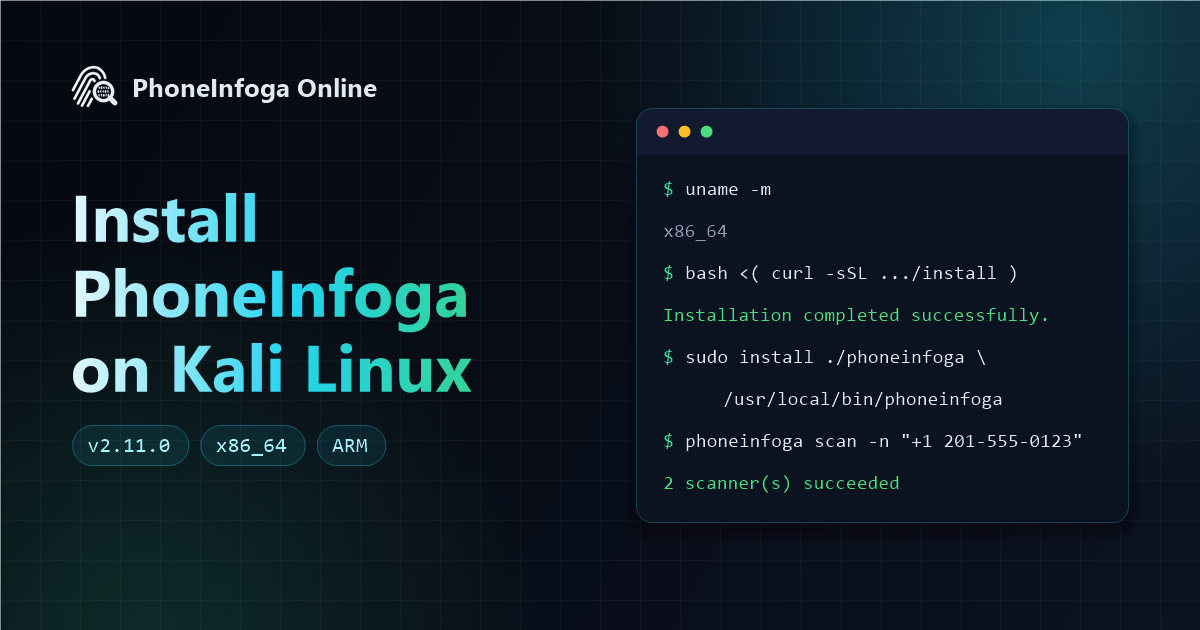
How to install and use PhoneInfoga on Kali Linux
Kali Linux has no PhoneInfoga package. Install the official v2.11.0 release on a 64-bit PC or on ARM, then run your first scan.
-
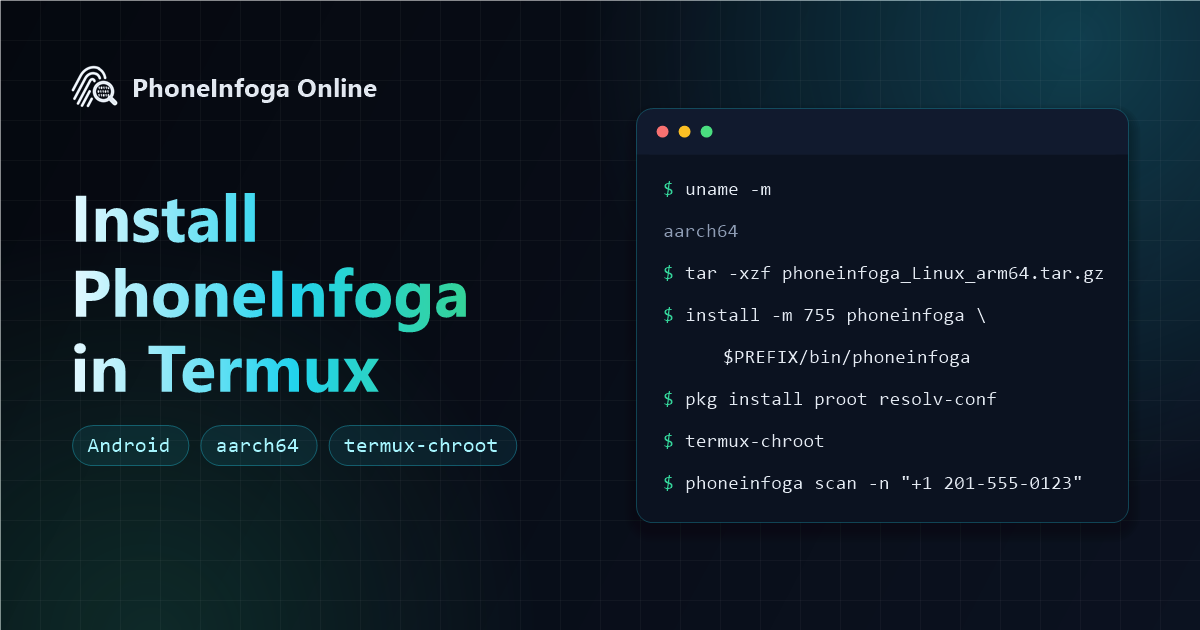
How to install and use PhoneInfoga in Termux on Android
PhoneInfoga has no Termux package, but its official ARM build runs in Termux. Here is how to install it on Android and fix its DNS error with termux-chroot.
-
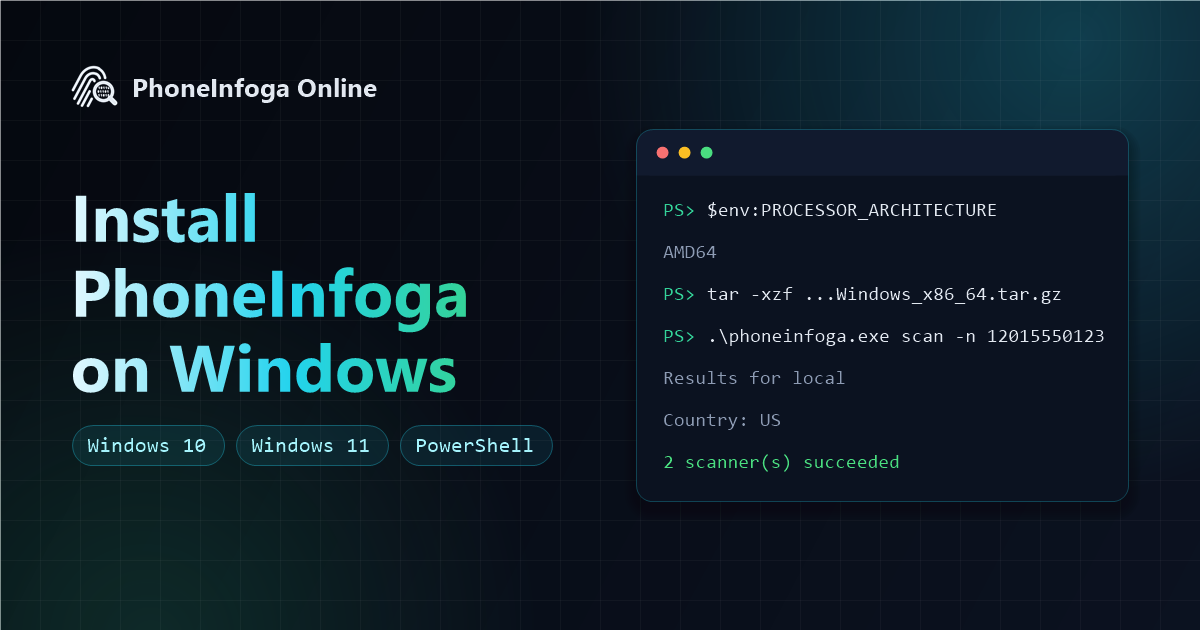
How to install PhoneInfoga on Windows 10 and 11
PhoneInfoga has no Windows installer. Follow these steps to extract the official archive with tar and run phoneinfoga.exe from PowerShell on Windows 10 or 11.
-
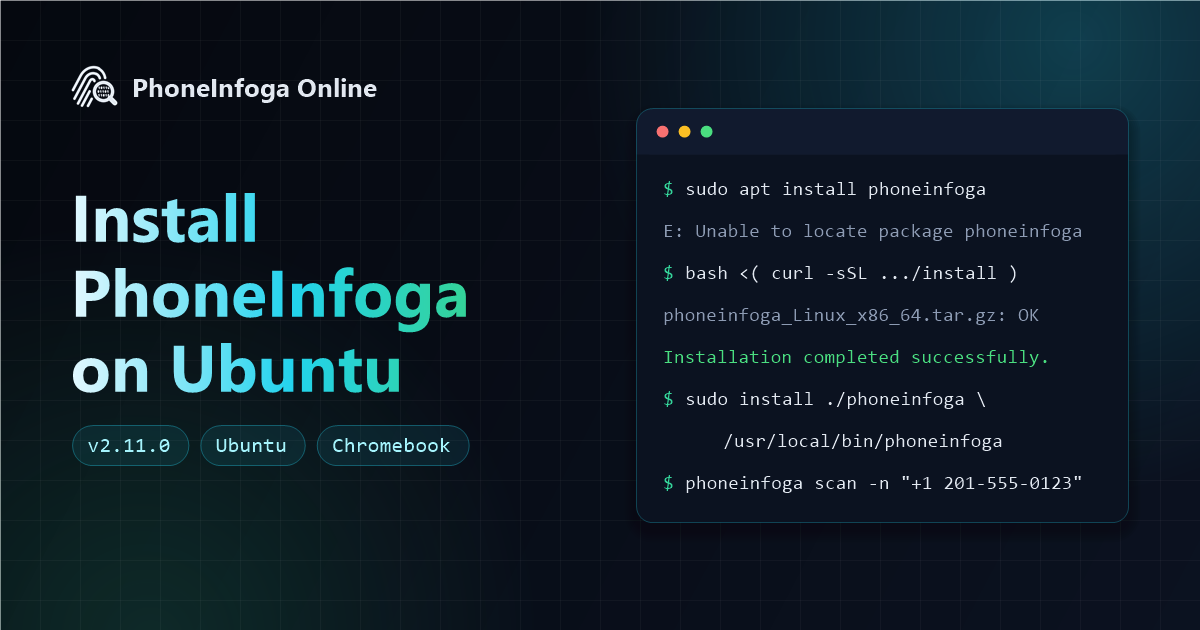
How to install PhoneInfoga on Ubuntu and other Linux systems
Ubuntu has no PhoneInfoga package. Install the official v2.11.0 release with its install script, or by hand on a Raspberry Pi or a Chromebook.
-
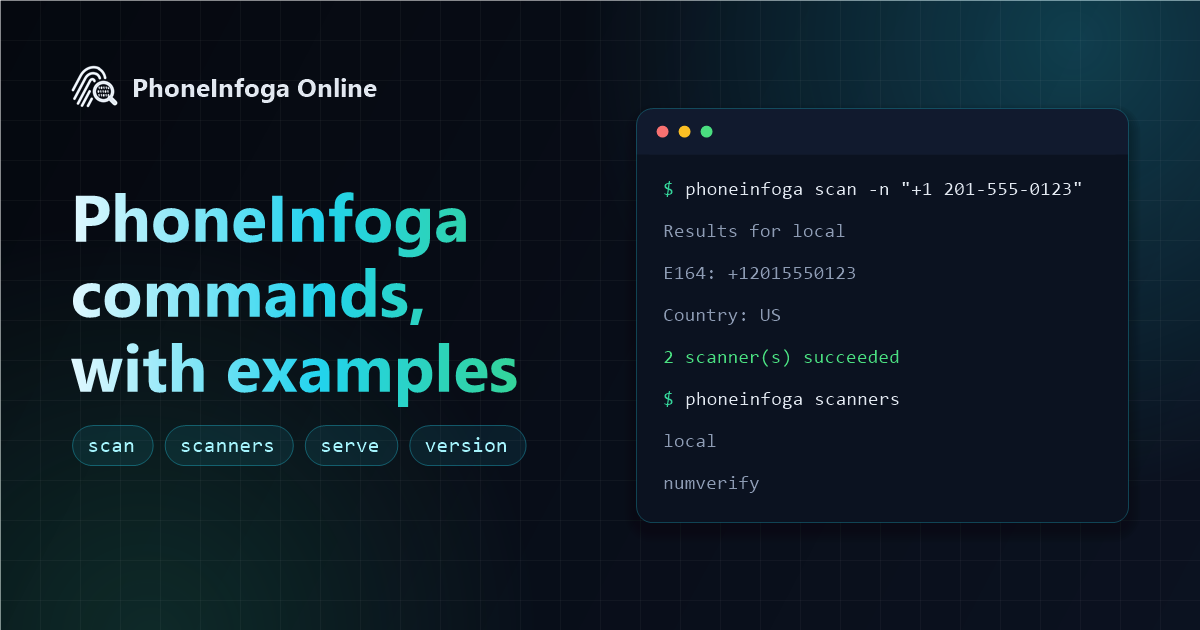
How to use PhoneInfoga: every command, with examples
Learn every PhoneInfoga command with examples, from your first phone number scan to the web interface, and how to read the results.
-
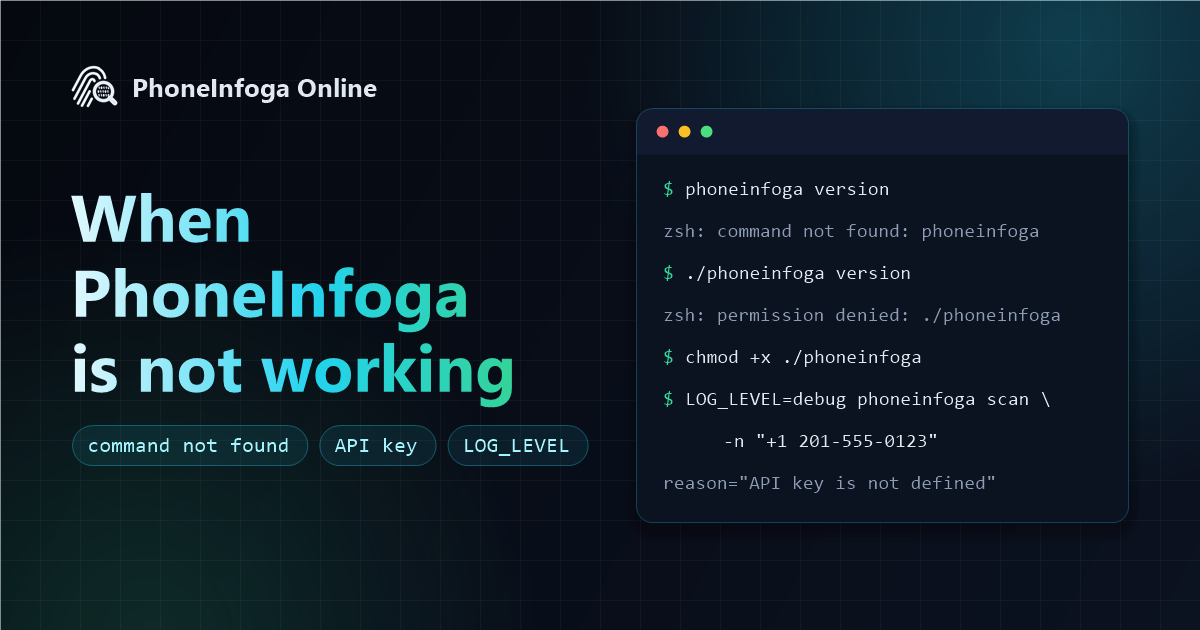
Why PhoneInfoga is not working and how to fix it
PhoneInfoga says command not found, skips a scanner or rejects your Numverify key? Find the cause of each message and its fix, from the PATH to API keys.
Check a number without installing anything
This site is built on the same open-source code and supplies its own API keys. Type a number in the search box and the report appears a few seconds later.
Scan a number online